![logo-alt.svg]](https://www.igoclients.com/hubfs/logo-alt.svg)
The following tabs are located across the top of your homeowner dashboard:
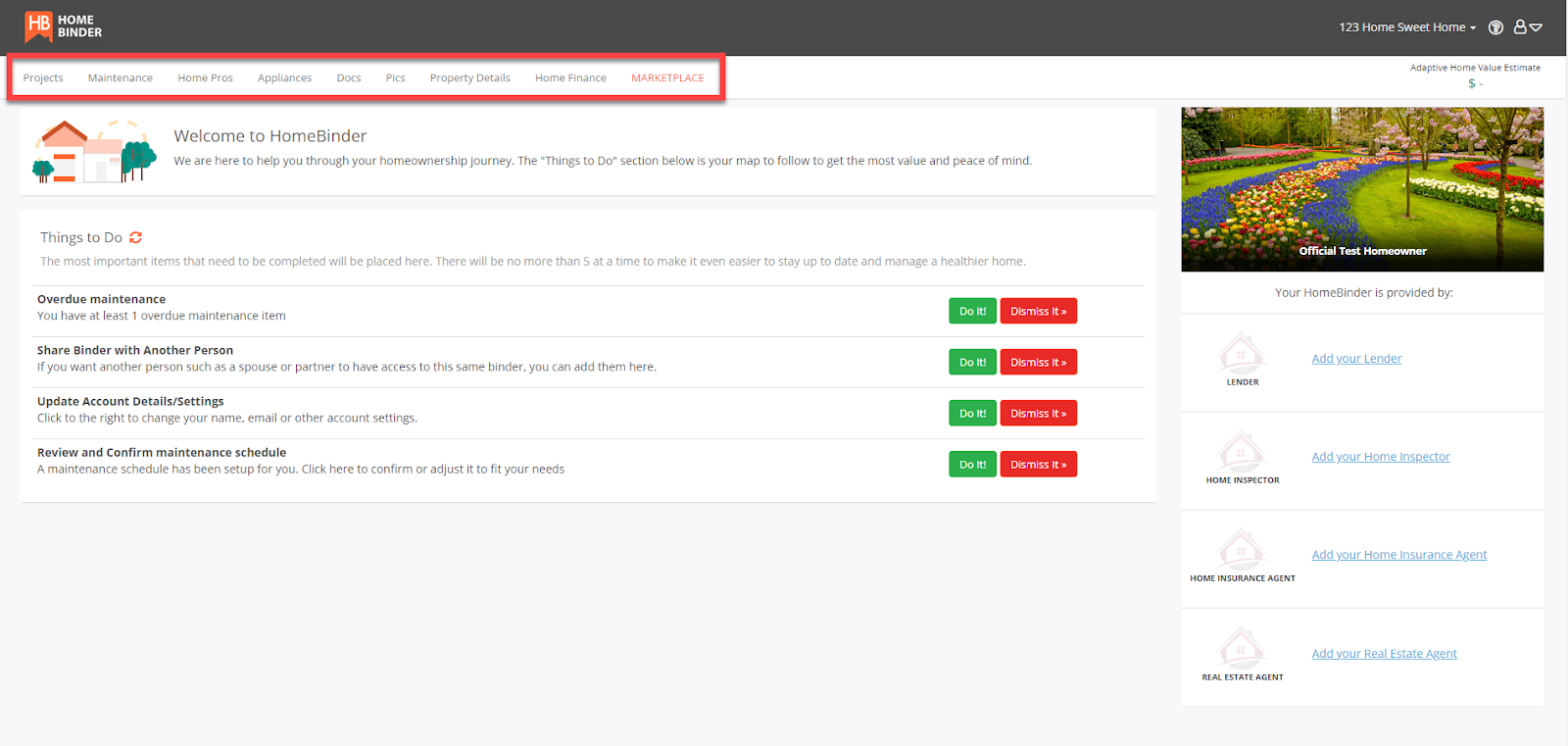
Project: Here is where homeowners can keep track of any projects or renovations. They can even use it to plan or scope out future projects.
Maintenance: Homeowners can see here all of the maintenance tasks set up for them. They can edit, remove, or add additional tasks.
Home Pros: This is where homeowners can save the contact info of the pros that work on their house. This is also where any of the recommended pros from your inspector, real estate agent or mortgage lender will be located.
Appliances: Here is where homeowners can put in manufacturer and model #'s for automated appliance recall alerts! They can also store information like where they bought it, how much it cost, when it was installed, etc.
Docs: Homeowners can store an unlimited number of documents, and have access to any of the documents that are pre-populated for them.
Pics: This is where a homeowner can store any photos connected to the property or home inventory images. Your home inventory can be used for insurance purposes, in case of fire, theft, extreme weather, etc.
Property Details: This is where homeowners can add rooms, structures, etc. There is also space to add paints/finishes with color codes, compositions, and manufacturers. No more need to keep rusty old paint cans that just take up space.
If you need additional assistance, please submit a request through iGopher for support!